Every screen you'll touch in Taco Truck Tycoon, the
food truck business sim — from the morning plan to the end-of-day
report. Captured from the live browser game.
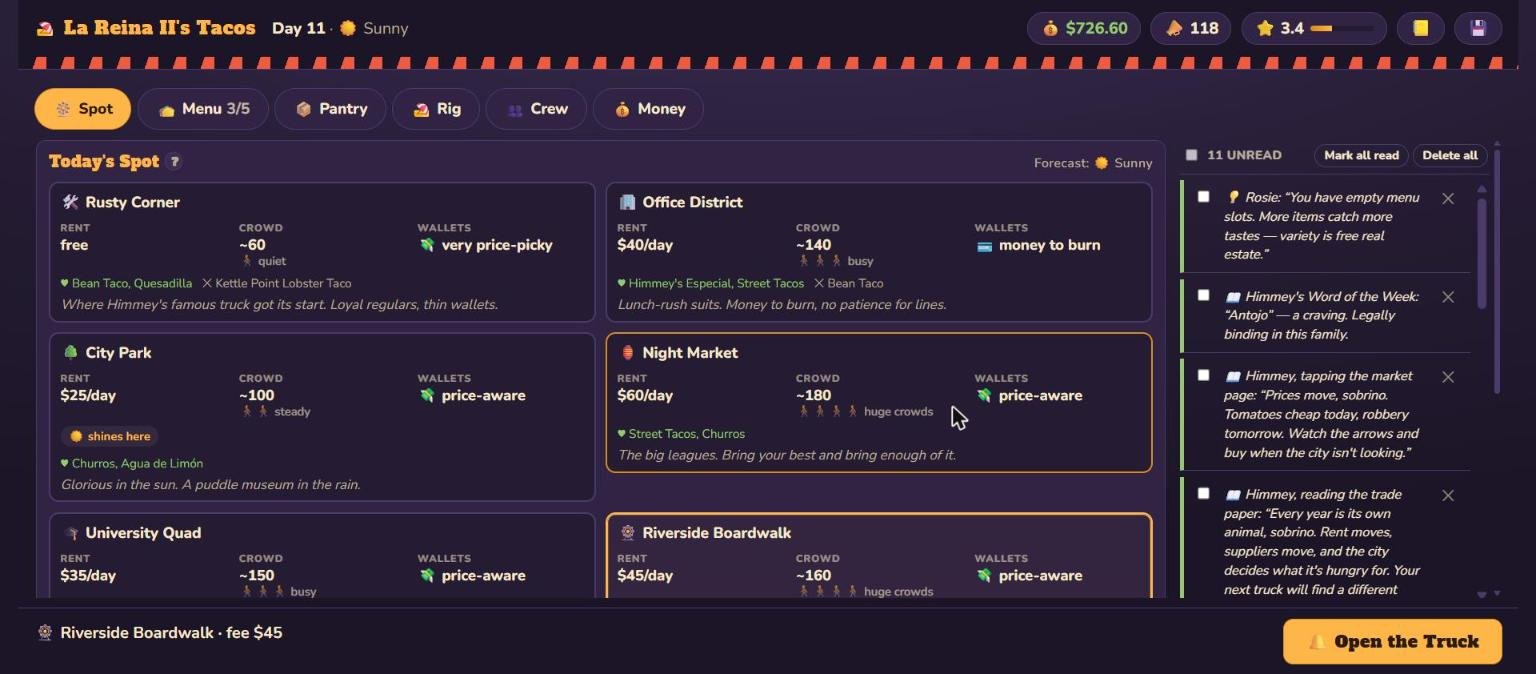
Pick your pitch. Ten spots around the city, each
with its own crowd, rent, patience for prices, and exposure to the
weather.
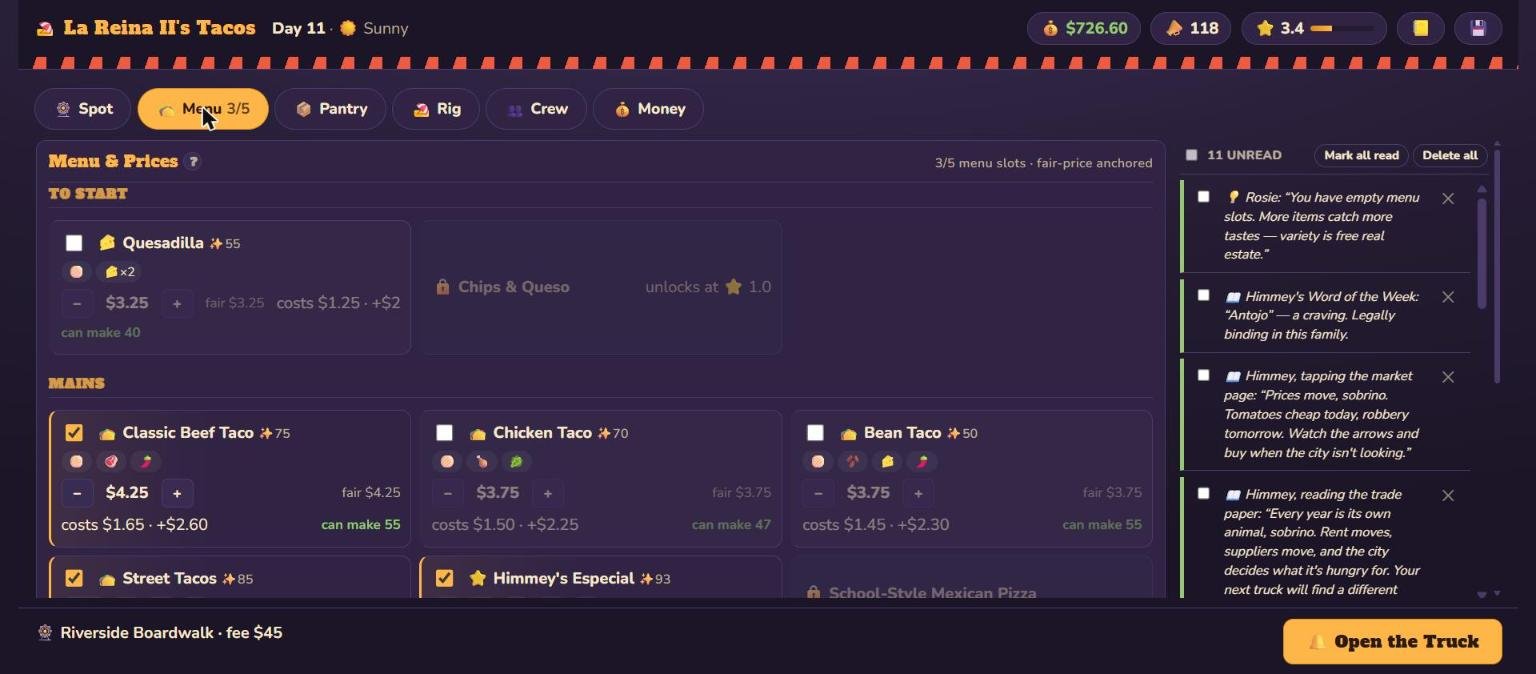
Set the menu and prices. A menu that grows with your rig, with a
fair-price anchor on every dish and a live count of how many you can
make.
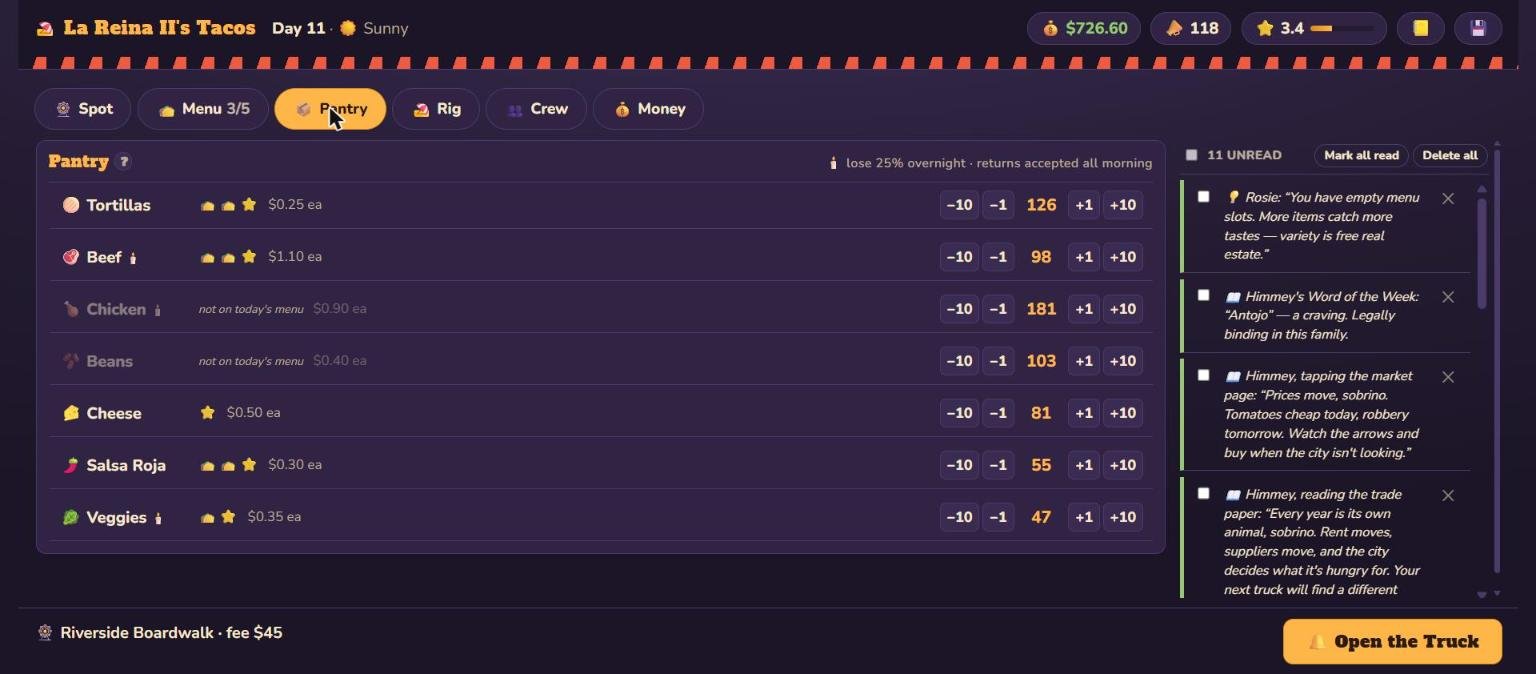
Stock the pantry. Buy for the day you expect.
Perishables spoil overnight (cold storage cuts the loss), and prices
drift day to day.
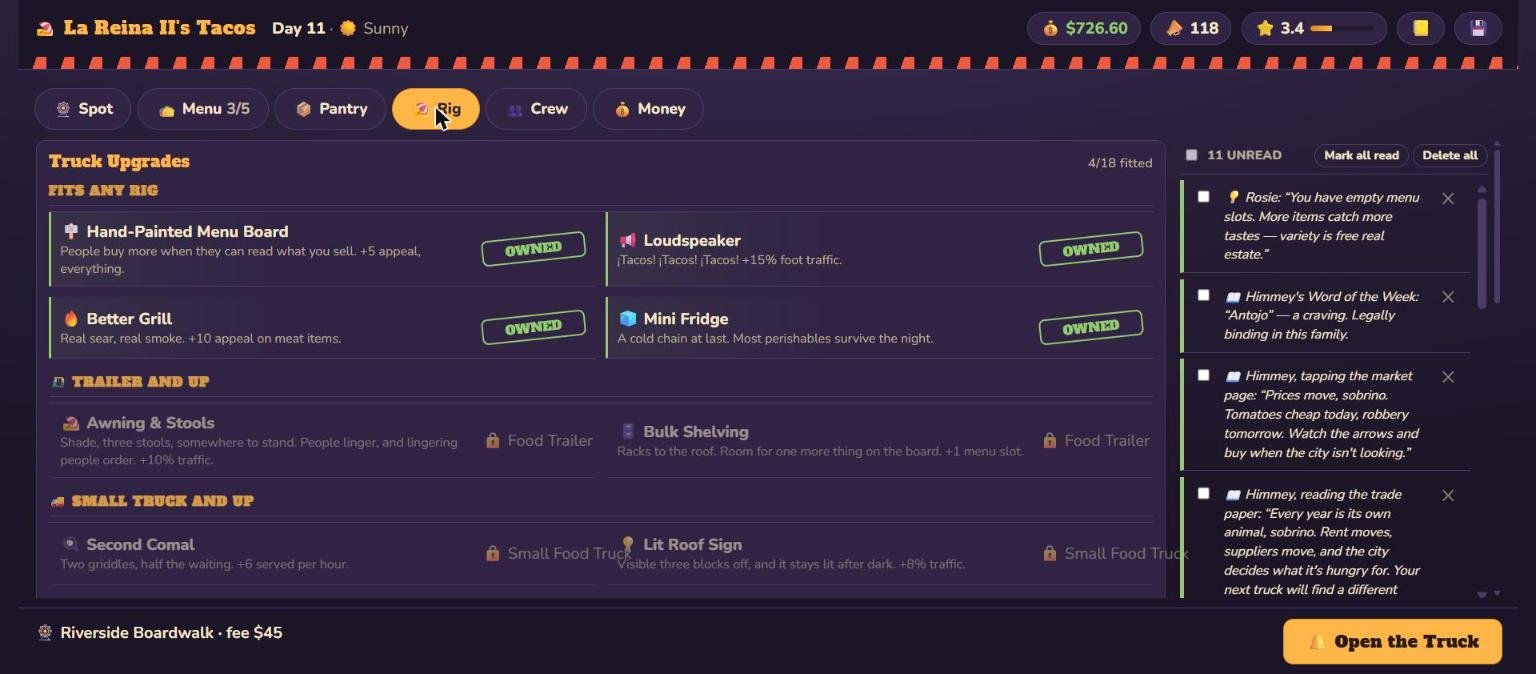
Buy upgrades. The fridge, a better grill, and the
rig itself — stand to trailer to truck to a school bus with a pizza
oven, and on to the semi.
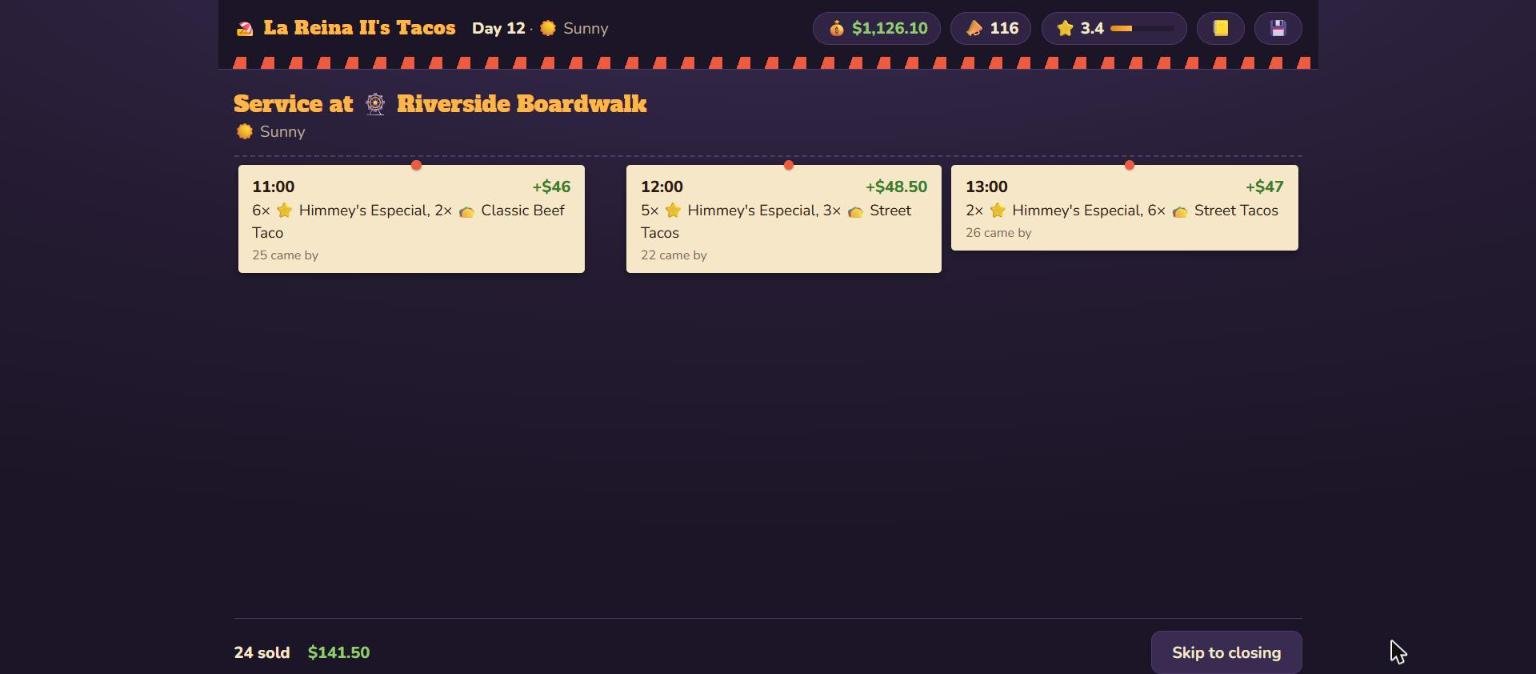
Work the lunch rush. The day plays out hour by hour
from 11am to 8pm — sales, foot traffic, events, and sell-outs.
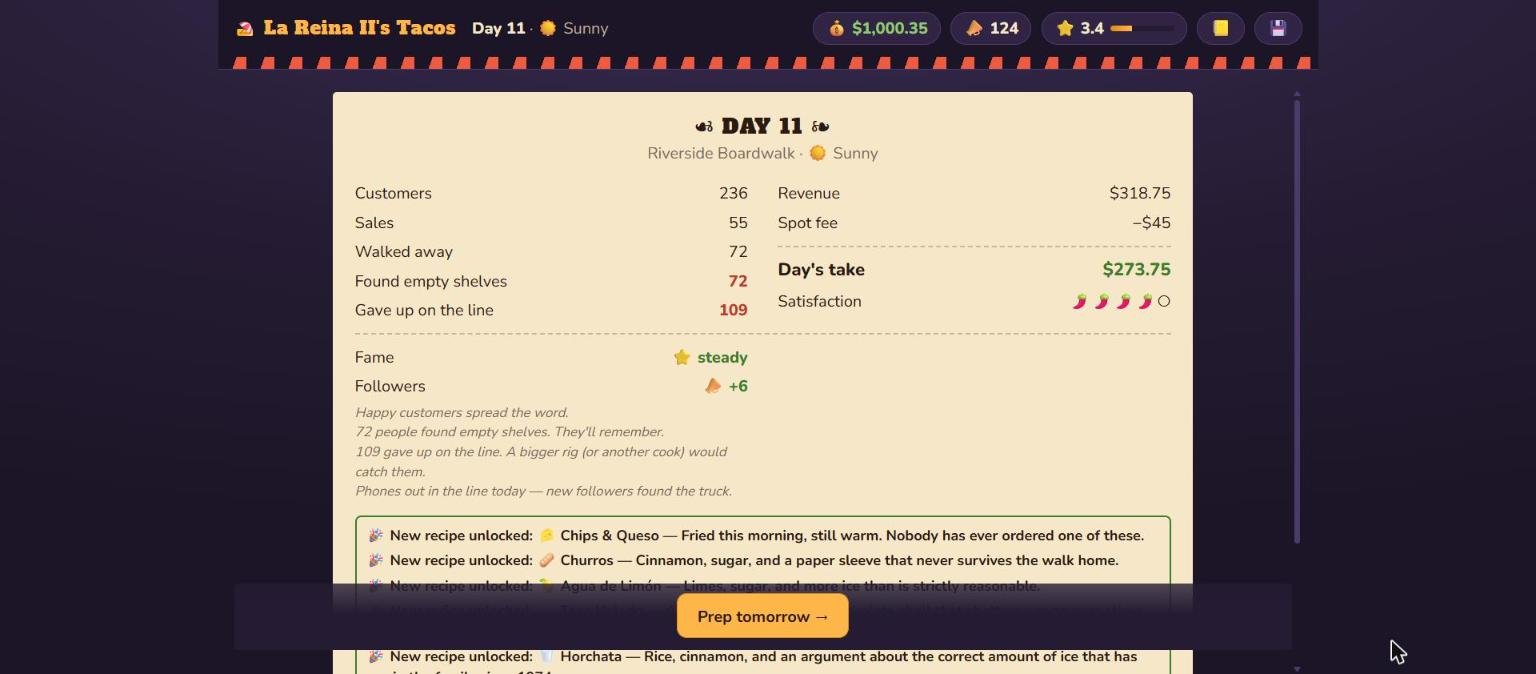
Read the results. Profit and loss, reputation, the
customers you missed and why, and anything you just unlocked.